E-Signature Tags
A SIGN HERE tag on a blank line—a signature or an instruction?
✅ NormativeSettled. The requirement holds as written.📄 Page ruleCan be applied from the page alone.Read §7.3.2 in the RFC ↗
A field that carries only an e-signature tag is unsigned and MUST be rendered as a blank, [blank].
A tag that prints a word — SIGN, INITIAL — MUST be rendered as that word, separately beside the
field, and MUST NOT be rendered as a signature or as the field's value.
When it applies
Electronic signing tools print a small coloured tab beside each field the signer must complete — "SIGN", "INITIAL", an arrow. The tab is not a signature and not part of the form; it is an instruction to a future signer, often left in the exported file.
QUALIFYING DISABLED VETERAN'S   │ QUALIFYING DISABLED VETERAN'S   │ DATE
SIGNATURE                       │ PRINTED NAME                    │
▸SIGN                           │                                 │
Reading the examples. Each one pairs a source page with the output the rule expects. ✅ Sample: the rule applies. ❌ Counter-sample: it looks like it applies and does not, or a rendering got it wrong. A non-conforming output, in red, is shown only for contrast. … marks content left out of an excerpt.
Requirements
- The field MUST be rendered as unsigned:
[blank], as for any blank field — see Fill-Ins (§10.4.4). - A tag's printed word MUST be kept, verbatim, beside the field and outside the field's value. The samples below place it on its own line directly after the field.
- A tag that prints no word adds nothing to the text.
- A page on which the signature fields carry only tags is unsigned.
[signature]MUST NOT appear for such a field — see Signatures (§7.3.10).
signature cells with signing tabs
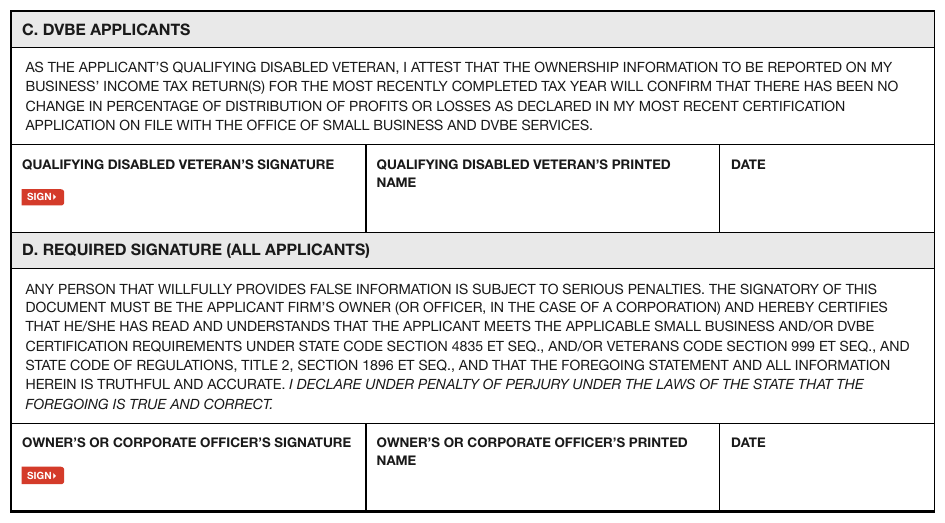
Two signature blocks, each a three-cell row. A small red tab reading SIGN▸ sits under "SIGNATURE"
in the first cell of each; every cell is otherwise empty.
Source page
Expected output · excerpt, first block
…
- QUALIFYING DISABLED VETERAN’S SIGNATURE: [blank] SIGN▸
- QUALIFYING DISABLED VETERAN’S PRINTED NAME: [blank]
- DATE: [blank]
<!-- … -->
- QUALIFYING DISABLED VETERAN’S SIGNATURE: [blank]
SIGN▸
- QUALIFYING DISABLED VETERAN’S PRINTED NAME: [blank]
- DATE: [blank]
a tag beside a name line
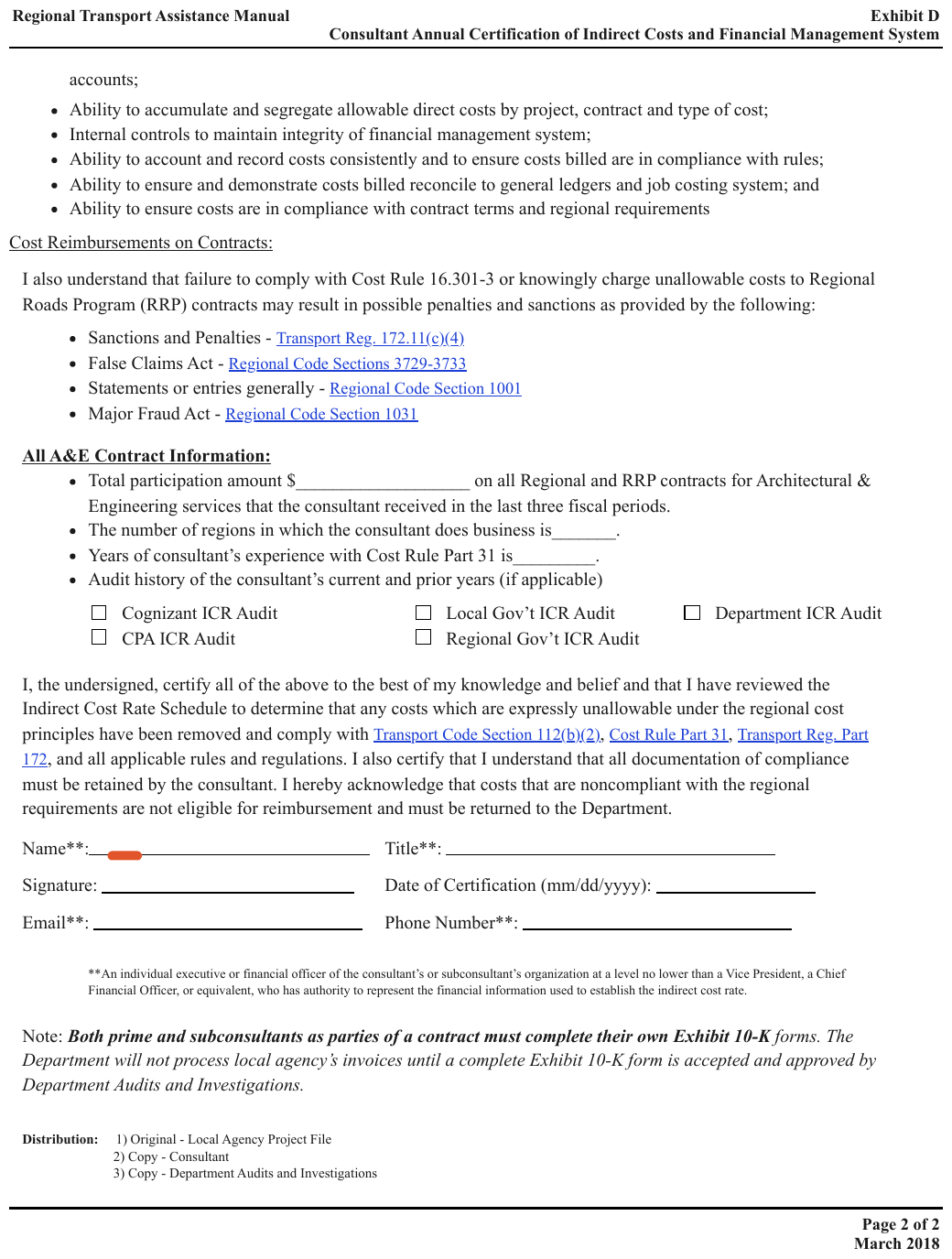
A small red tab sits at the start of the Name**: line in the signature block, ahead of an
otherwise blank ruled line. The tab prints no word, so nothing is added for it; every field in
the block is blank.
Source page
Expected output · excerpt, signature block
…
- Name**: [blank]
- Title**: [blank]
- Signature: [blank]
- Date of Certification (mm/dd/yyyy): [blank]
- Email**: [blank]
- Phone Number**: [blank]
**An individual executive or financial officer of the consultant’s or subconsultant’s organization at a level no lower than a Vice President, a Chief Financial Officer, or equivalent, who has authority to represent the financial information used to establish the indirect cost rate.
…
<!-- … -->
- Name**: [blank]
- Title**: [blank]
- Signature: [blank]
- Date of Certification (mm/dd/yyyy): [blank]
- Email**: [blank]
- Phone Number**: [blank]
**An individual executive or financial officer of the consultant’s or subconsultant’s organization at a level no lower than a Vice President, a Chief Financial Officer, or equivalent, who has authority to represent the financial information used to establish the indirect cost rate.
<!-- … -->Neighbouring rules, and how they differ
More
Rule id text-e-signature-tags · text marks forms